Members & Roles
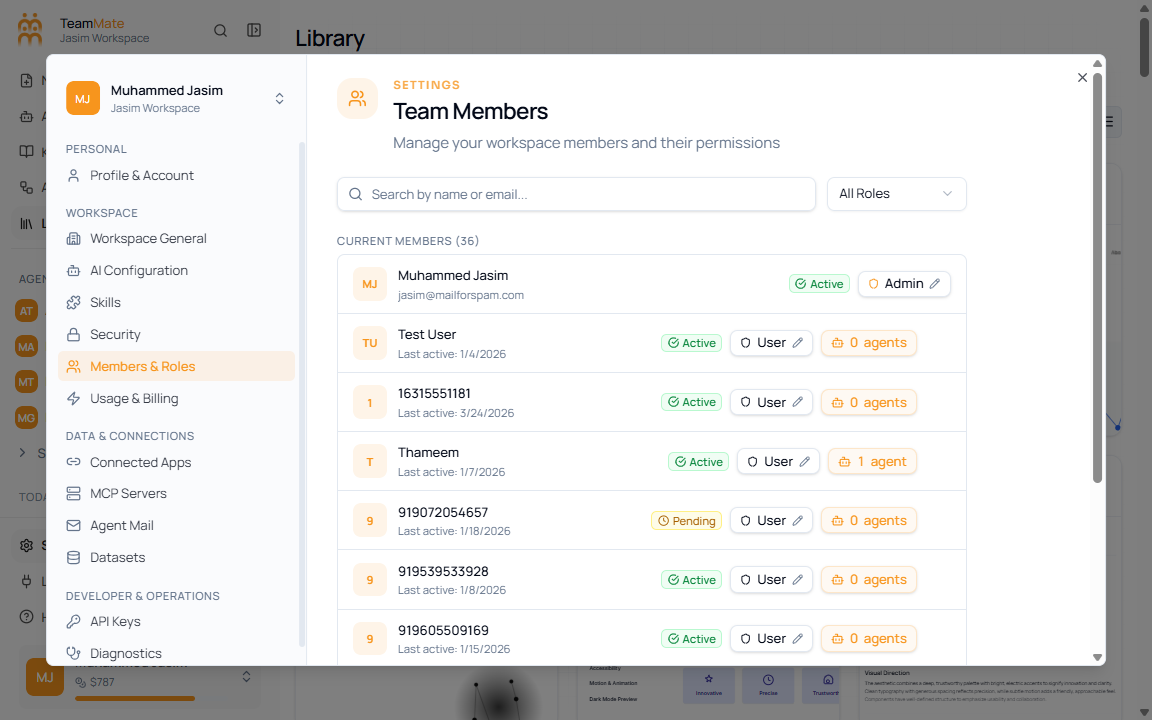
Use Members & Roles to review who belongs to the workspace and what role each person has.
What you can do here
- Search members by name or email.
- Filter members by role.
- Review each member’s assigned agents.
- Remove a member from the workspace.
Controls
| Control | What it does |
|---|---|
| Search by name or email | Filters the member list. |
| All Roles | Filters the list by role. |
| Assigned agents count | Shows how many agents the member can access. |
| Remove | Starts the member removal flow. |