Integrations tab
The Integrations tab attaches external apps and MCP servers as tools the agent can use. Use it when the agent needs to read from or act in another system.
What you can do here
- See integrations already selected for the agent.
- Add marketplace apps.
- Configure connected app profiles and tool selections.
- Add MCP servers and choose exposed tools.
- Remove integrations from the draft.
- Save all integration changes with the agent.
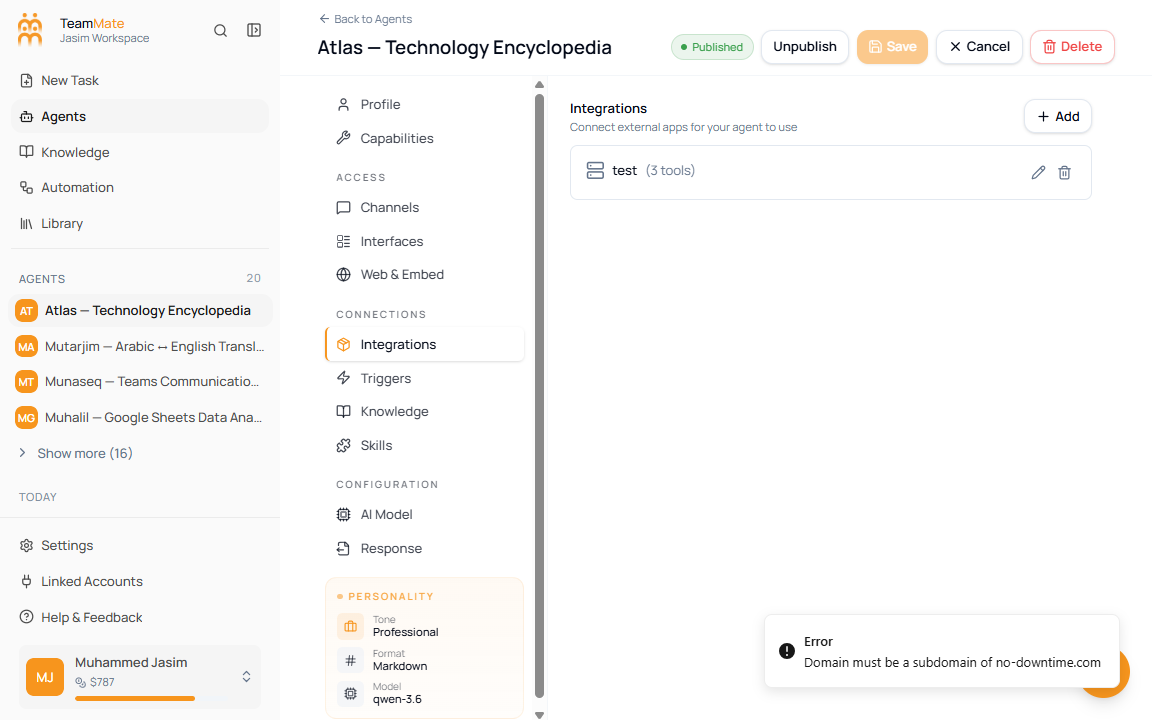
Add an integration
- Open Integrations.
- Click Add.
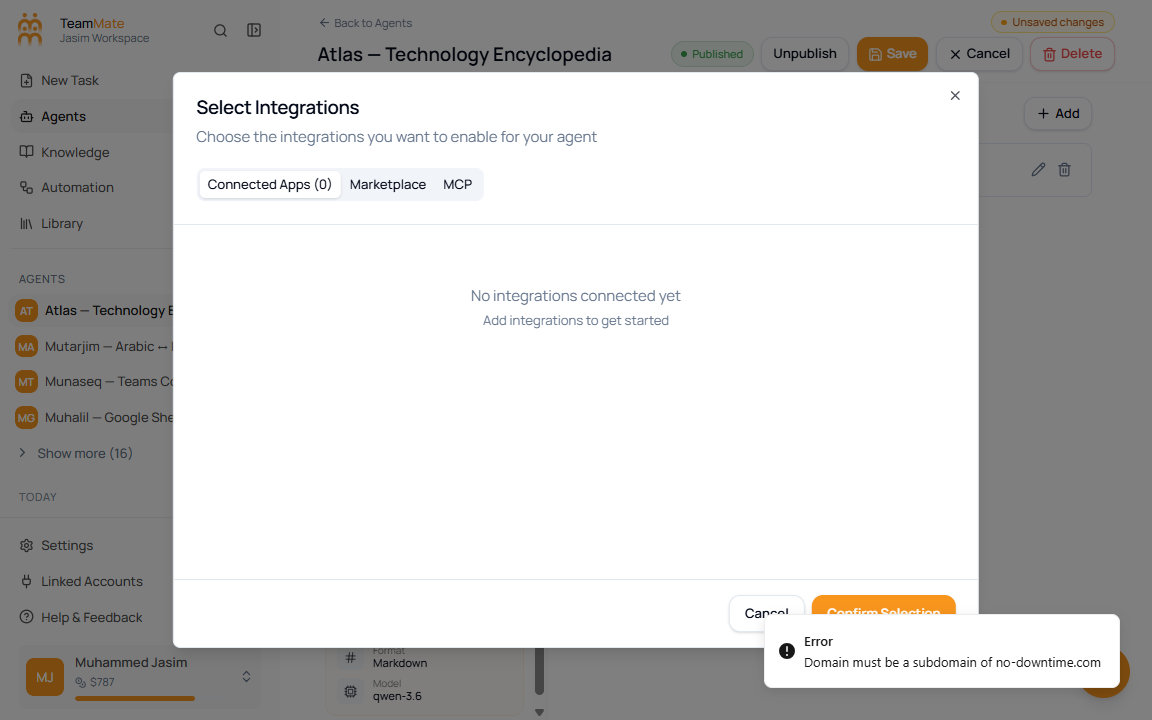
- Review Connected Apps for tools already selected.
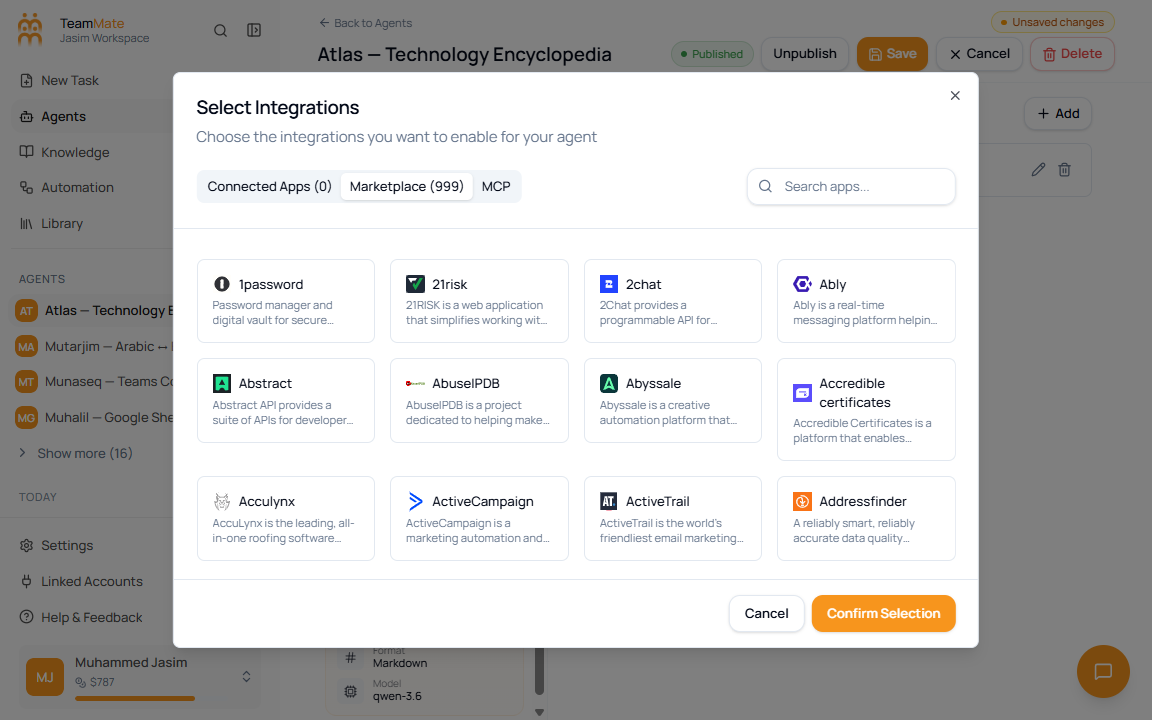
- Open Marketplace to browse available Composio apps.
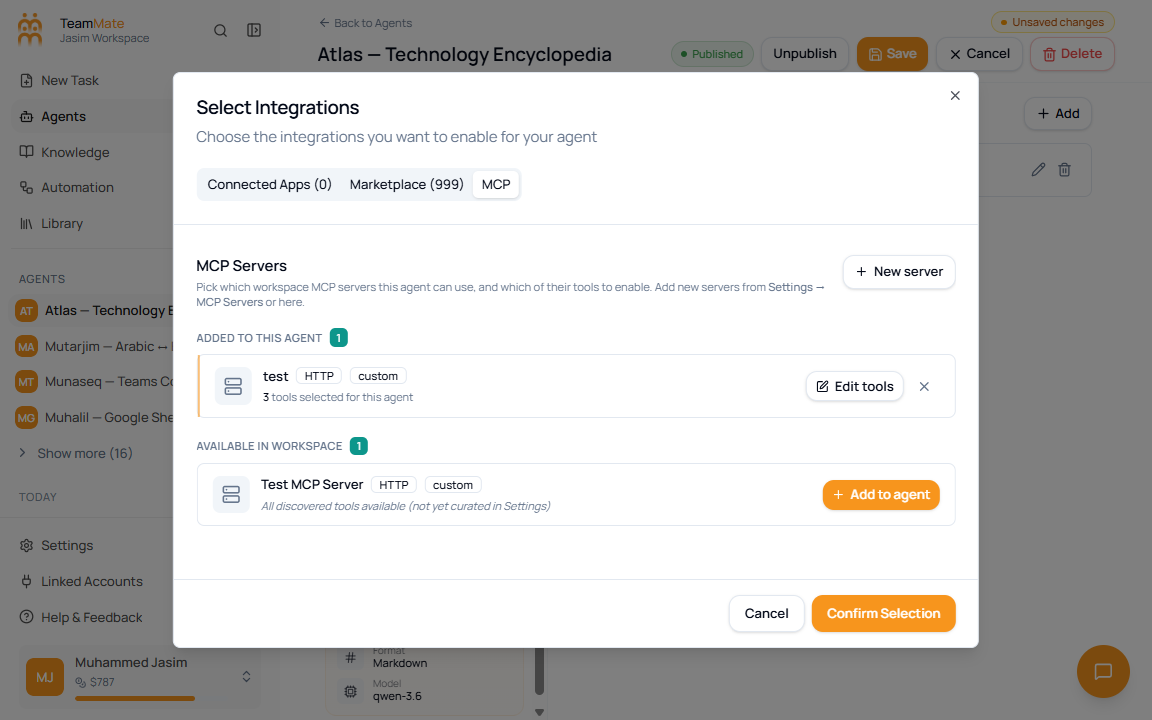
- Open MCP to add or manage MCP servers.
- Confirm the selection.
- Click Save in the builder header.
The selector opens on Connected Apps and shows what is already attached to the agent.
Marketplace apps
Use Marketplace to search third-party apps by name, description, or category. Selecting an app opens a connector flow where you choose or authorize a profile and select tools.
MCP servers
Use MCP to connect servers that expose tools through the Model Context Protocol. MCP servers can be added, edited, marked for deletion, and saved with the agent.
Integration fields
| Field or control | What it means |
|---|---|
| Connected Apps | Apps currently attached to the agent draft. |
| Marketplace | Searchable list of available Composio apps. |
| MCP | MCP server management for custom tools. |
| Search apps | Filters marketplace apps. |
| Tool selection | Chooses which actions the agent can use from an app or server. |
| Confirm Selection | Applies dialog changes to the builder draft. |
| Save | Persists the final integration diff to the agent. |