Agents
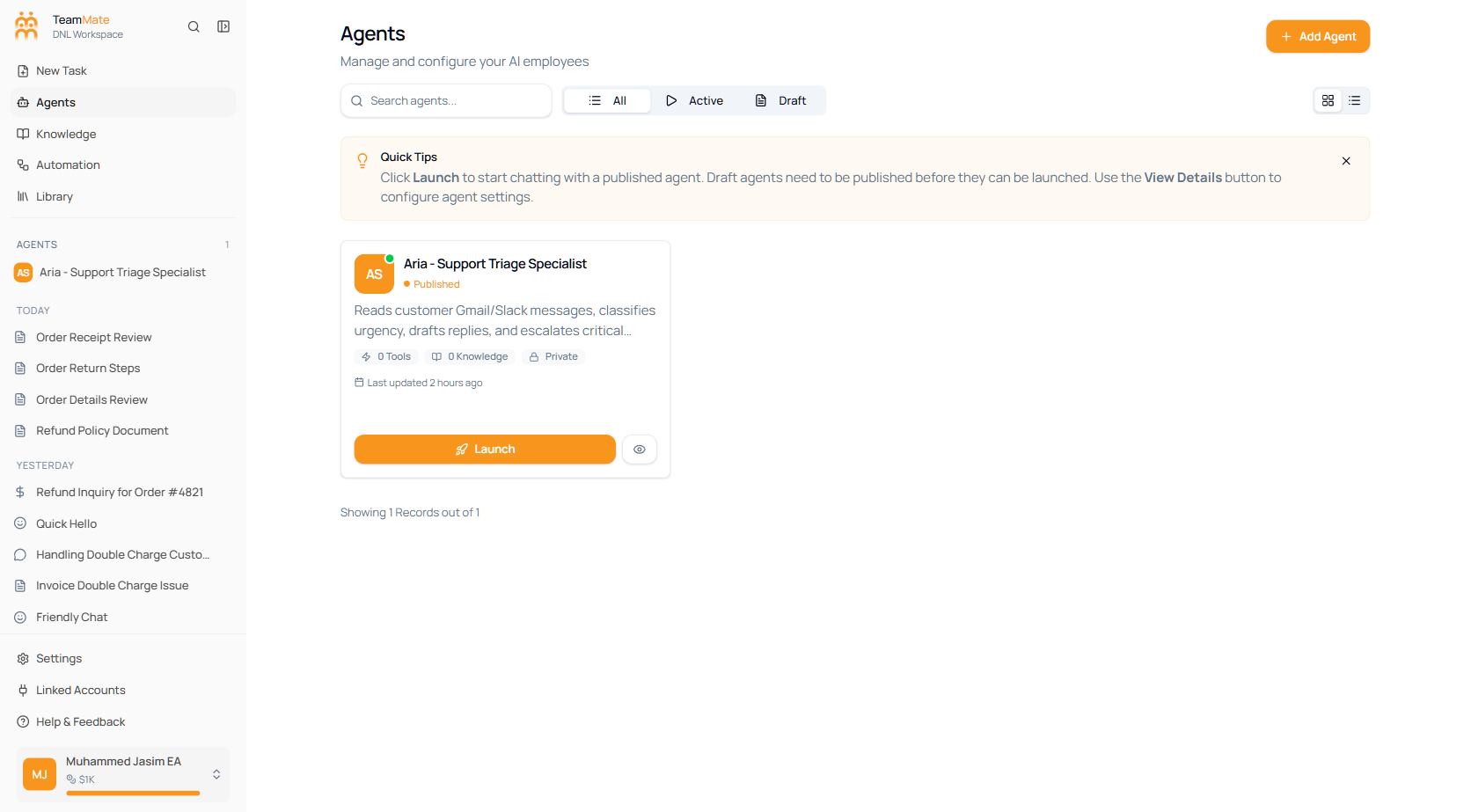
An agent is a configured AI assistant — a model + instructions + skills + knowledge + capabilities, deployed to one or more channels. You build agents in the agent builder, test them in a floating chat, publish them when they’re ready, and reuse pre-built ones from the marketplace.
Where to start
| You want to… | Go to |
|---|---|
| Understand the concept | Core concepts → Agent |
| Build your first agent | Getting started → Your first agent |
| Use a pre-built template | Marketplace |
| Configure a specific tab | Building an agent |
| Make one agent call another | Multi-agent collaboration |
| Hit the API | API access for agents |
Sections
| Section | What’s in it |
|---|---|
| Overview | What an agent is, listing & filtering, card vs list view. |
| Building | Every current builder tab: Profile, Capabilities, Channels, Interfaces, Web & Embed, Integrations, Triggers, Knowledge, Skills, AI Model, and Response. |
| Testing | Floating chat preview, suggested prompts, debugging. |
| Publishing | Publish, API keys, embed snippet, and members. |
| Lifecycle | Pre/post hooks, scheduled maintenance. |
| Multi-agent | Hierarchical orchestration and agent-to-agent calls. |
| API access | Programmatic agent management. |
| Best practices | Instruction writing, model/skill/tool tradeoffs, cost-aware design. |
What a published agent can do
- Hold conversations through chat, Slack, Teams, WhatsApp, Telegram, Twilio voice, Vapi voice, or agent email.
- Be embedded on your website as a bubble or full-window widget.
- Be called from a workflow as a single node.
- Run on a schedule or in response to an event.
- Be called by another agent — see Agent-to-agent calls.