Automation
In the app, everything that runs an agent without a person in the loop lives under Automation in the sidebar. It has two tabs:
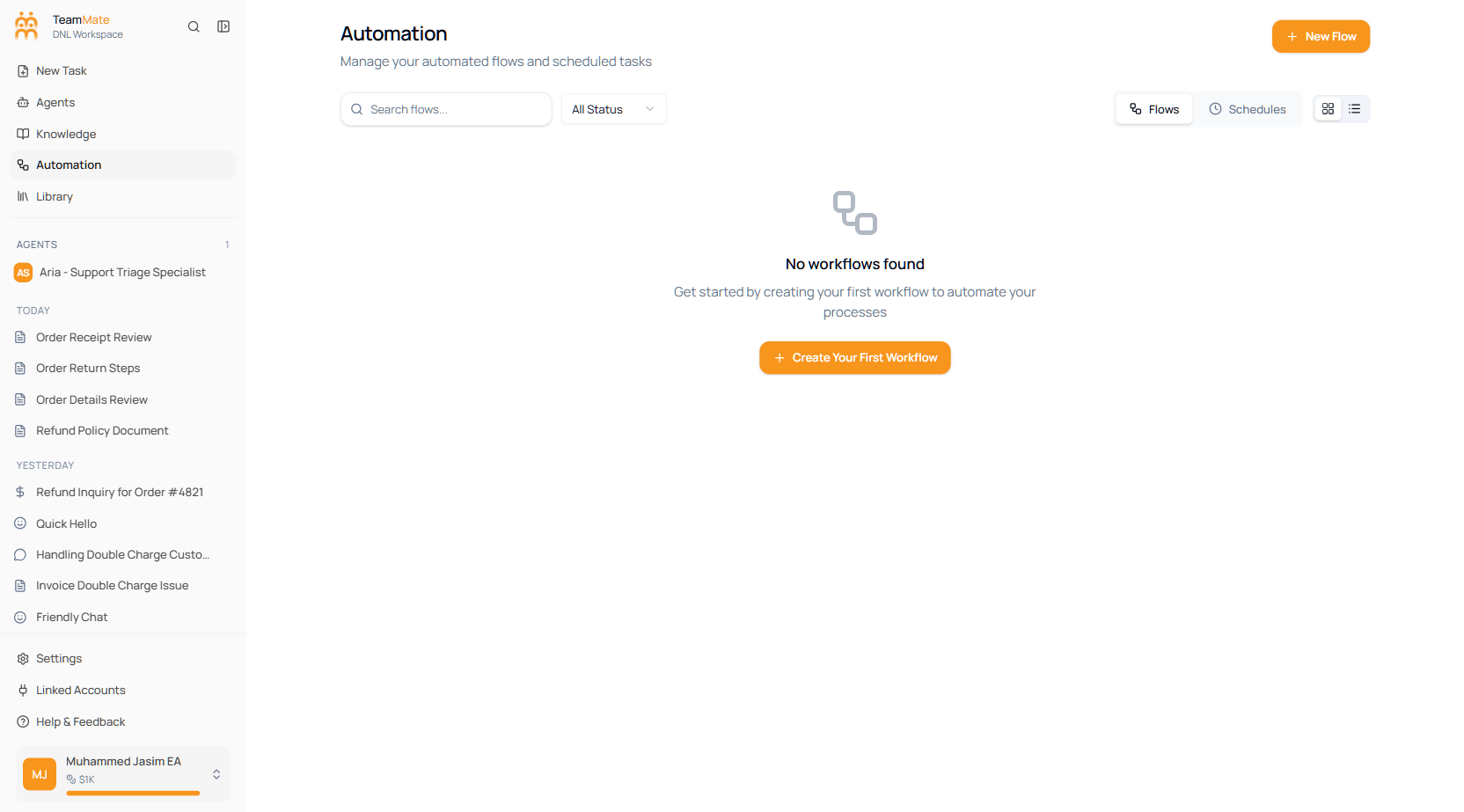
| Tab | What it is | Docs |
|---|---|---|
| Flows | A visual builder that chains agents, integrations, and logic into multi-step pipelines. | Workflows (Flows) |
| Schedules | Agent jobs that run once, on a schedule, or in response to an event. | Tasks (Schedules) |
When to use which
- Reach for a task (Schedule) when one agent should run on a clock or off a trigger — a daily digest, an inbound-email triage, a one-off batch run.
- Reach for a workflow (Flow) when the job needs multiple steps — several agents, branching logic, or calls to external systems chained together.
Start with Workflows (Flows) or Tasks (Schedules).