Chat history
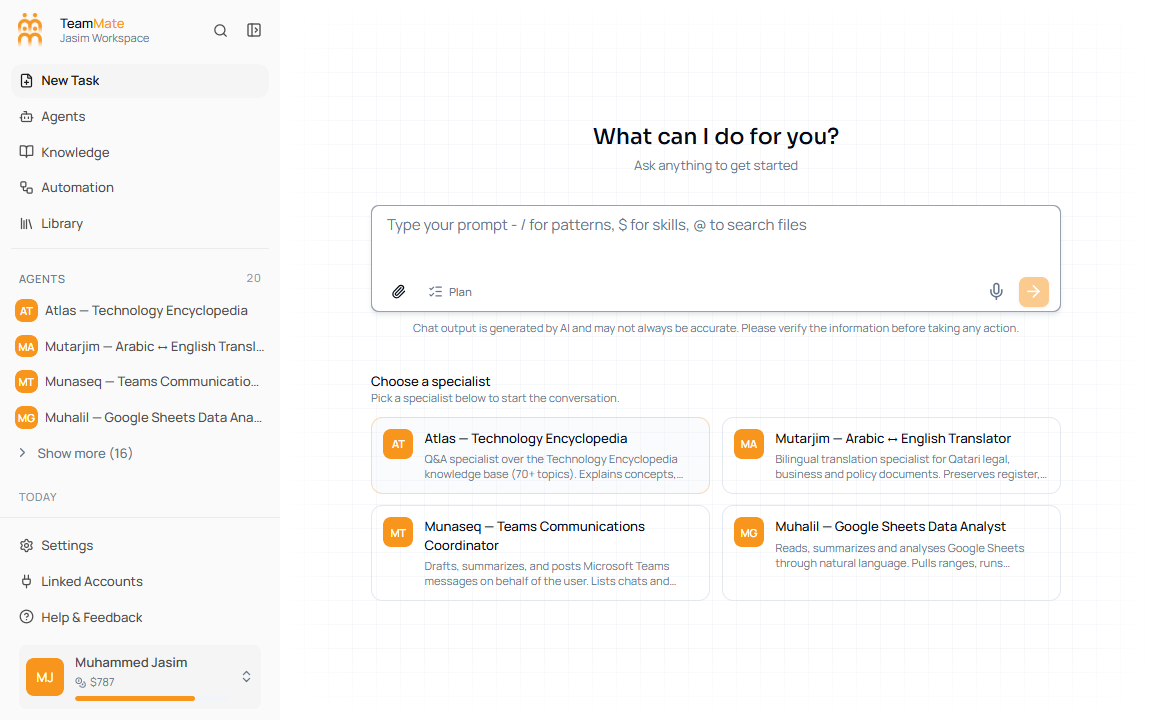
Chat history is the grouped list in the left app sidebar. It replaces the older separate chat-history surface described by the previous docs.
What you can do here
- Click a chat title to reopen it.
- Use the active row highlight to see which chat is open.
- Delete a chat with the row delete button.
- Scroll to load more history when available.
- Start a new chat with New Task.
Row states
| State | What it means |
|---|---|
| Normal icon | The chat is saved and idle. |
| Spinner icon | The chat is currently streaming or being deleted. |
| Active row | You are currently viewing that chat. |
| Delete action | Removes the chat after confirmation. |
Important behavior
When a new chat sends its first message, the app updates the URL to the chat detail route without remounting the chat. This keeps the live stream, scroll position, and title animation stable.