Sharing, title, and chat actions
Open an existing chat to see the header actions. The more menu contains sharing and, for agent chats, agent administration shortcuts.
What you can do here
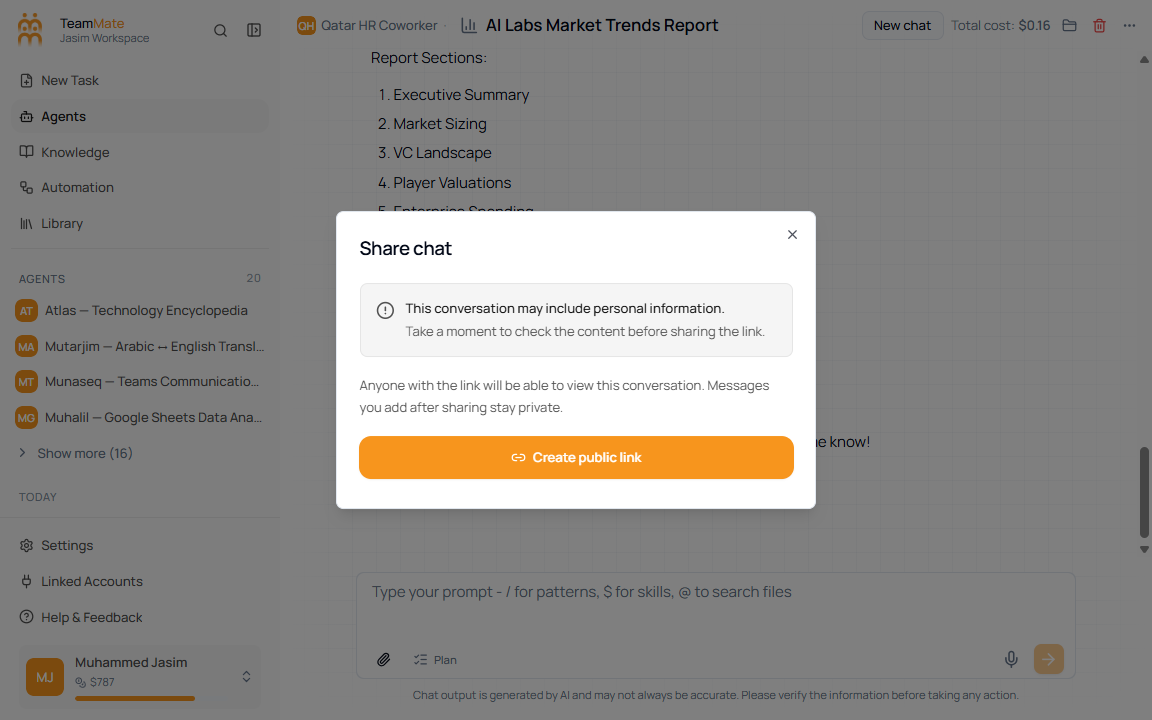
- Share the current chat.
- Rename the chat title inline when editing is available.
- Delete the chat.
- Open the connected agent from the header.
- Use agent shortcuts such as Edit agent, Copy URL, Embed, or API Access when those menu items are available.
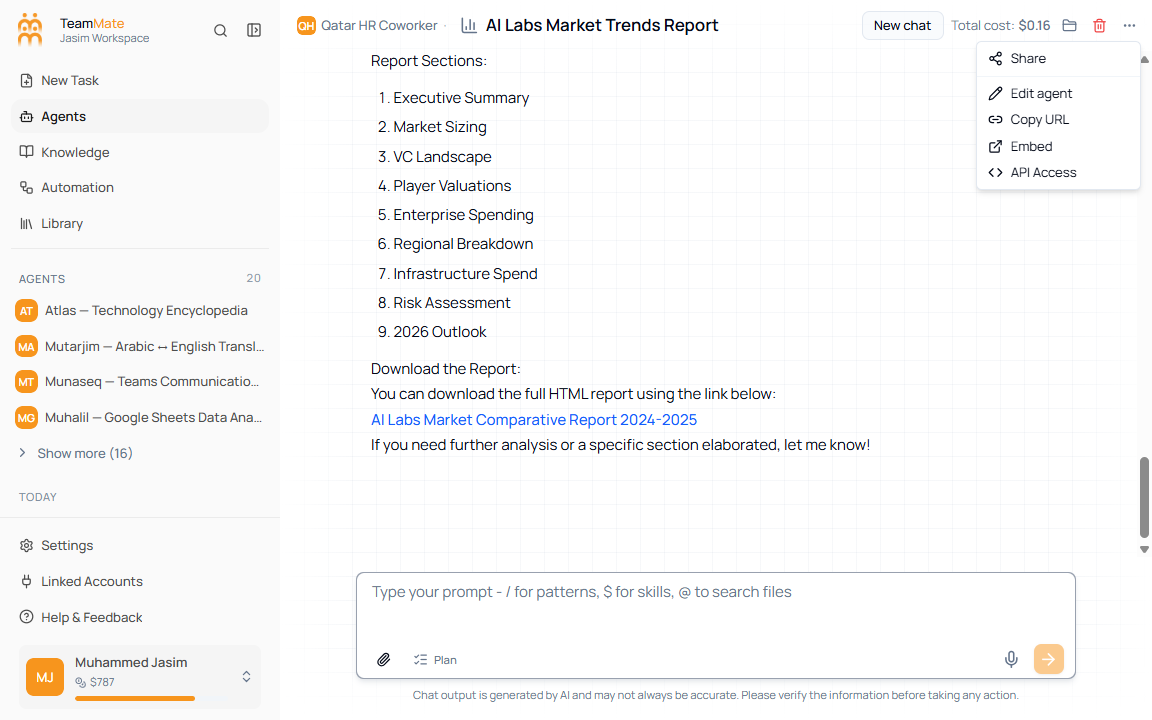
Share a chat
- Open the chat.
- Click More options in the header.
- Click Share.
- Use the share dialog controls to create or manage the share link.
Delete a chat
Use the delete button in the chat header or the delete action on the sidebar history row. The app shows a confirmation dialog before removing the chat.