Interfaces tab
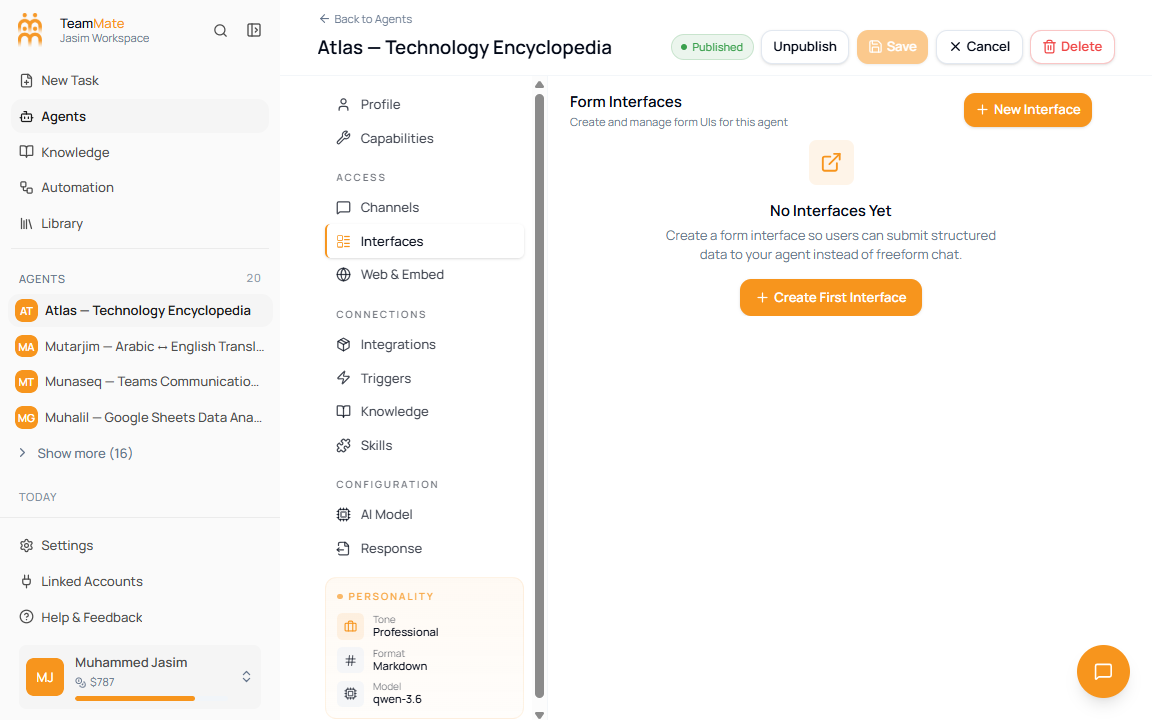
The Interfaces tab manages form UIs for a saved agent. Use interfaces when users should submit structured fields instead of typing everything into freeform chat.
What you can do here
- See all form interfaces attached to the agent.
- Create a new interface with the AI-assisted form builder.
- Preview an interface before editing it.
- Edit, publish, copy, or delete existing interfaces when they exist.
- Copy a public form URL for published interfaces.
Save requirement
Interfaces require a saved agent. On the create screen, this tab shows Save Agent First because generated forms must be stored under an agent ID.
Create an interface
- Open Interfaces on a saved agent.
- Click New Interface or Create First Interface.
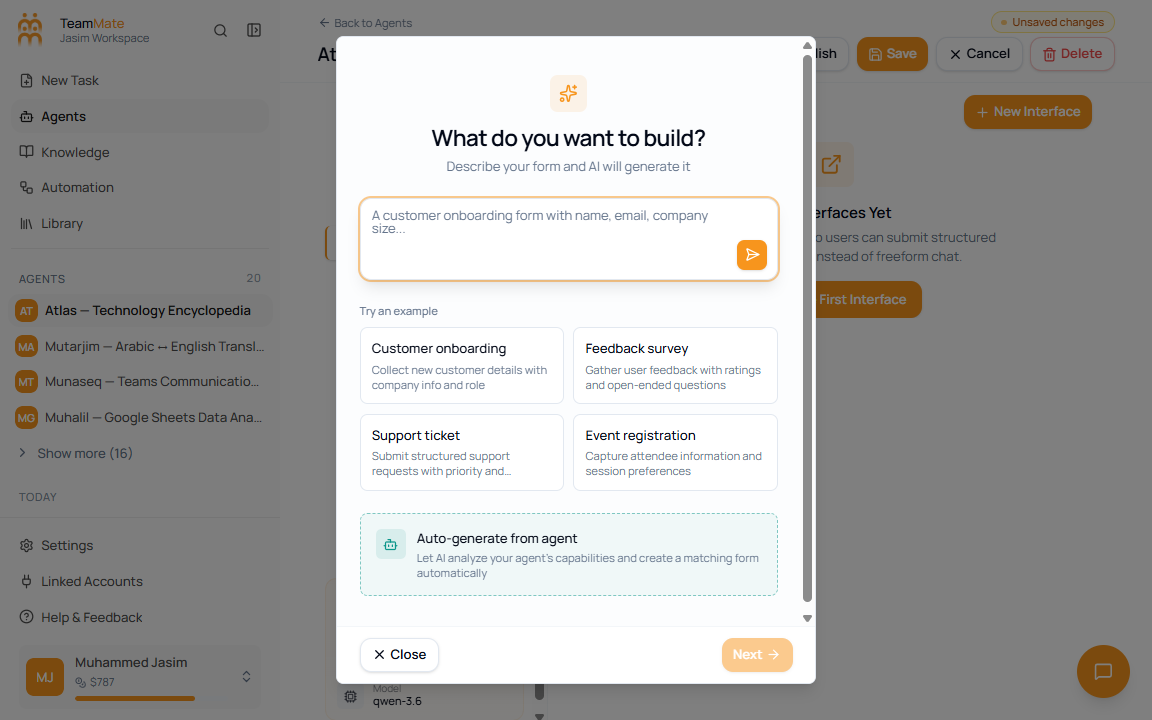
- Describe the form you need, or generate a form from the agent.
- Review the live preview.
- Click Next.
- Enter an Interface name.
- Click Save.
Interface list fields
| Field | What it means |
|---|---|
| Interface name | The internal label shown in the builder. |
| Default star | Marks the default interface when one is set. |
| Published/Draft badge | Shows whether the form is publicly usable. |
| Field count | Shows how many fields the form contains. |
| Field summary | Shows the first few field labels. |
| Preview click | Opens the form preview dialog. |
| Pencil icon | Opens the interface builder for editing. |
| Delete icon | Opens a destructive confirmation dialog. |
Preview and share an interface
Published interfaces show a public form URL in the preview dialog. Use Copy to copy the URL, or the external-link button to open the form in a new tab.