Response tab
The Response tab controls how the agent sounds and how it formats answers. Use it after the Profile tab so the agent’s identity and instructions align with its tone and output format.
What you can do here
- Pick a tone preset.
- Choose the response format.
- Enable structured output.
- Define a JSON schema for machine-readable responses.
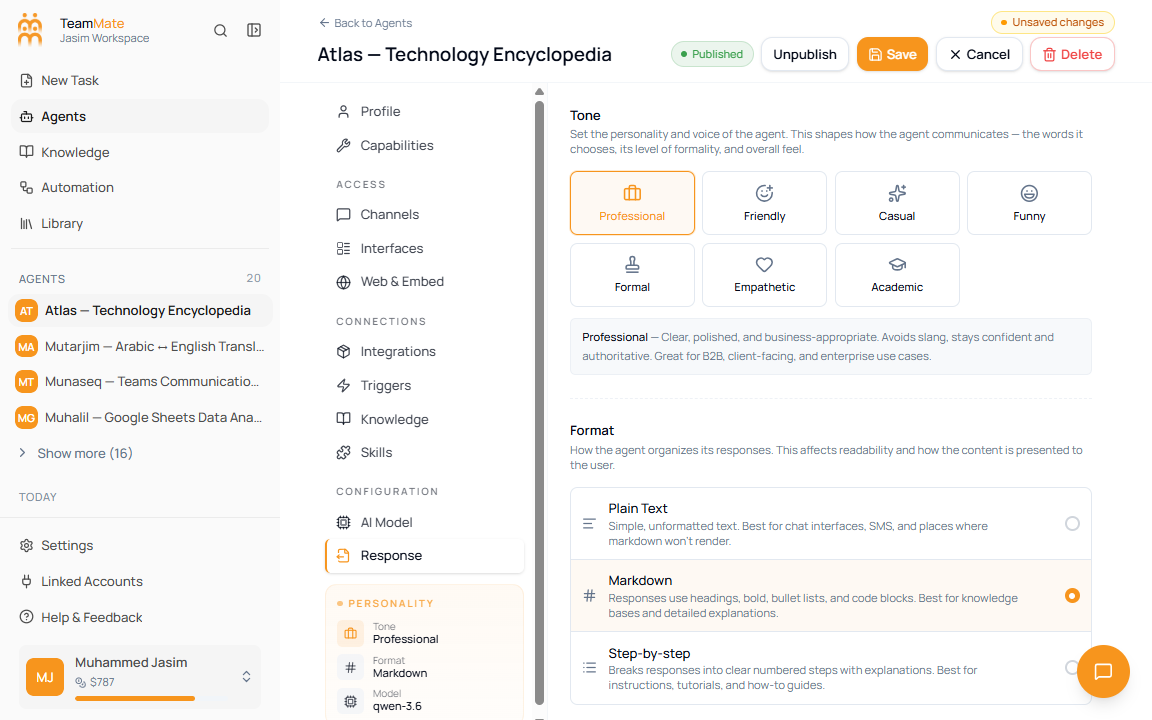
Tone presets
| Tone | Use when |
|---|---|
| Professional | The agent is business-facing, client-facing, or enterprise-focused. |
| Friendly | The agent should feel warm and approachable. |
| Casual | The agent is for internal teams or informal collaboration. |
| Funny | The agent can add light humor without undermining the task. |
| Formal | The agent works in legal, government, compliance, or official contexts. |
| Empathetic | The agent handles HR, healthcare, support, or sensitive user needs. |
| Academic | The agent explains research, education, or technical subjects precisely. |
Response formats
| Format | What it does | Best for |
|---|---|---|
| Plain Text | Returns simple unformatted text. | SMS, simple chat surfaces, systems that do not render Markdown. |
| Markdown | Allows headings, bold text, bullets, tables, and code blocks. | Knowledge answers, detailed explanations, and most chat agents. |
| Step-by-step | Breaks answers into numbered steps. | Tutorials, procedures, troubleshooting, and how-to agents. |
Enable structured output
- Open Response.
- Turn on Structured Output.
- Enter a JSON Schema in the editor.
- Save and test the agent with prompts that should produce structured data.
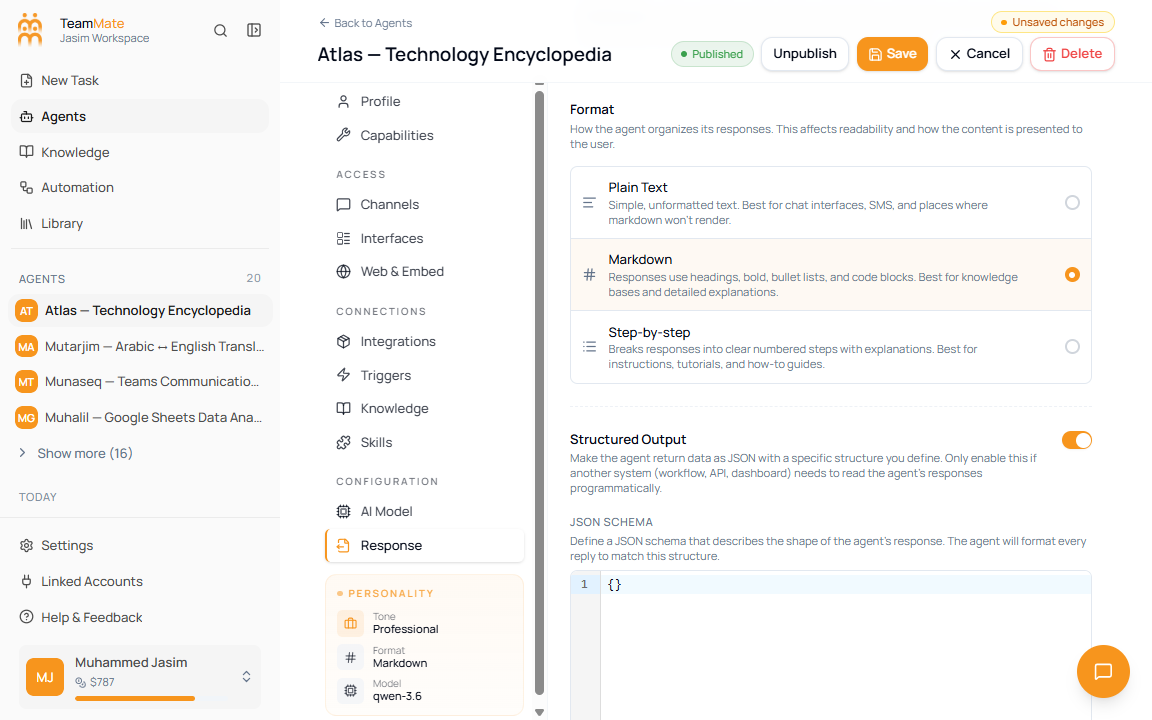
Structured output fields
| Field | Required | What it controls |
|---|---|---|
| Structured Output | No | Makes the agent return every reply as JSON that follows the schema. |
| JSON Schema | Yes when structured output is enabled | Defines the object shape, properties, required fields, and validation rules. |
Use structured output only when another system, workflow, API, or dashboard needs to parse the response. For normal chat, use Markdown or Step-by-step instead.