Publish flow
Publishing turns a saved agent from a draft into an agent users can launch, call through channels, or access through a published web surface.
Steps
- Open Agents.
- Open the agent you want to publish.
- Fix any unsaved changes and click Save.
- Click Publish in the builder header.
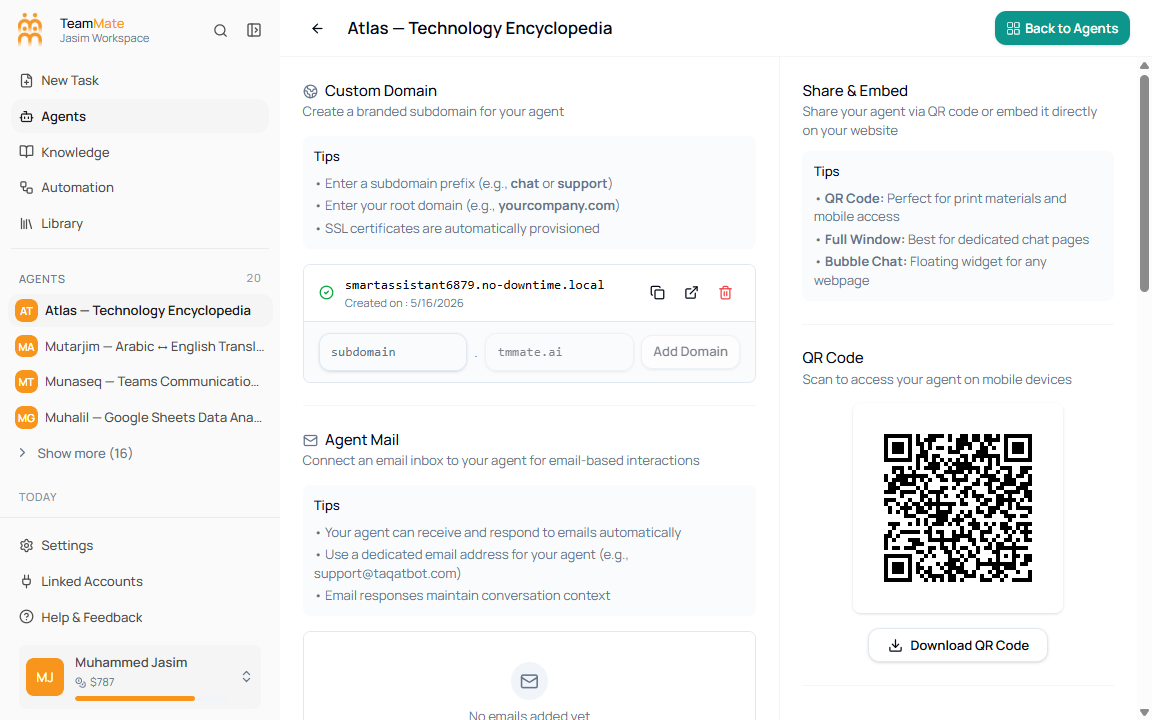
- Open the publish/share route or Web & Embed tab to configure domains, API key selection, QR code, and embed code.
- Test the published entry point before sharing it widely.
Published agents show a Published badge and Unpublish button in the builder header. Draft agents show Publish when there are no unsaved changes.
Unpublish
- Open the agent builder for a published agent.
- Click Unpublish.
- Review the confirmation dialog.
- Confirm only if users should lose access through share links, custom domains, embeds, and channels.
The publish/share route also has a Danger Zone with Unpublish Agent.