Diagnostics
Use Diagnostics to run operational checks from the Settings dialog.
What you can do here
- Review the Inngest Connection diagnostic section.
- Test the connection.
- Send a test event.
- Close nested diagnostic panels.
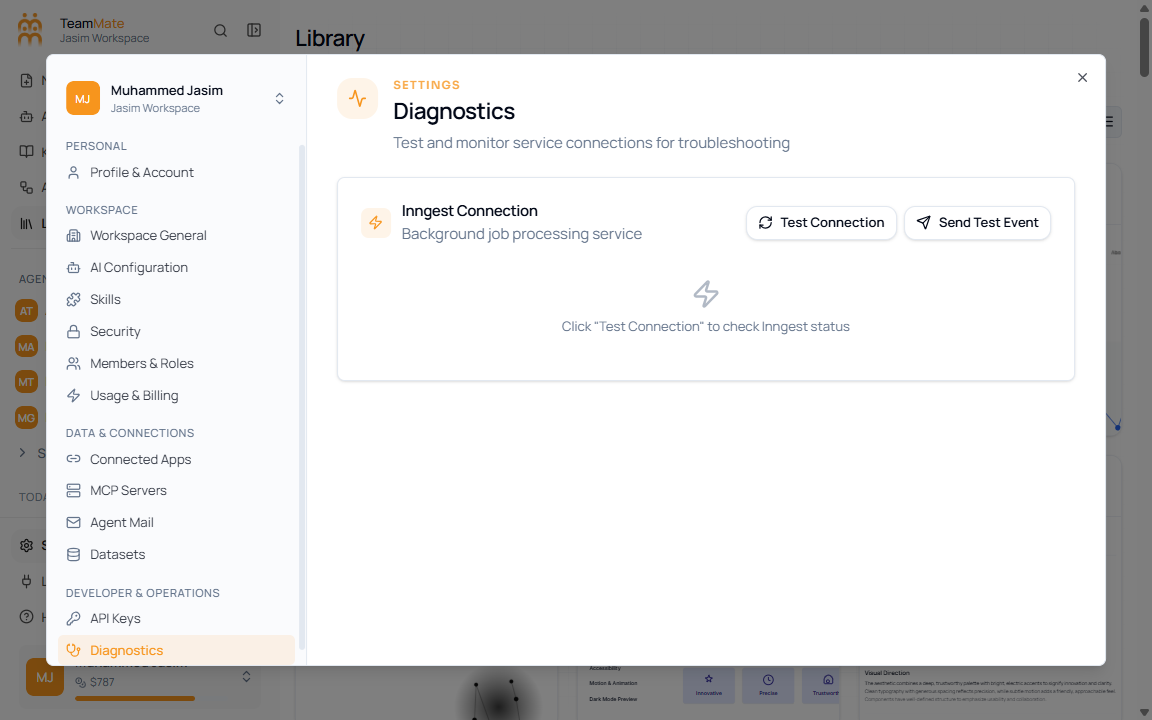
Controls
| Control | What it does |
|---|---|
| Test Connection | Checks whether the configured service connection responds. |
| Send Test Event | Sends a diagnostic event through the configured workflow path. |
| Close | Closes an open diagnostic panel or nested dialog. |