API Keys
Use API Keys to manage workspace-level keys for API access.
What you can do here
- Create a new key.
- Preview an existing key where allowed.
- Delete a key after confirmation.
- Review key rows in the workspace list.
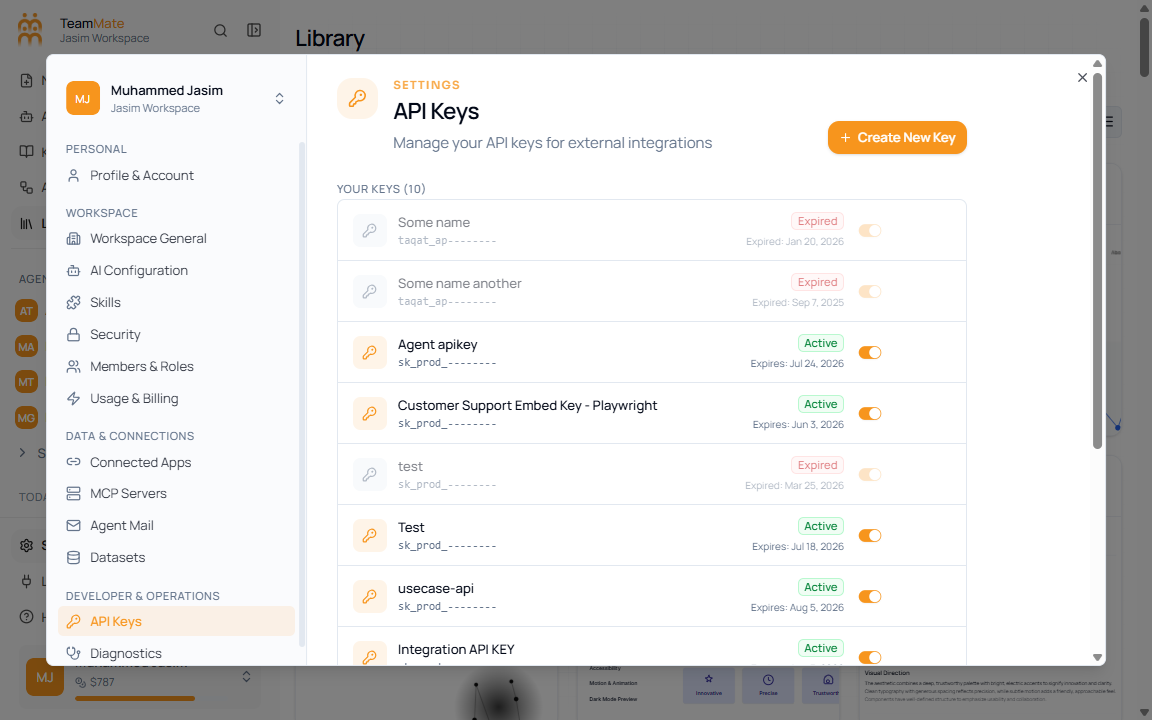
Controls
| Control | What it does |
|---|---|
| Create New Key | Opens the key creation flow. |
| Show preview | Reveals a masked or previewable key value where available. |
| Delete key | Starts the delete confirmation flow. |