Knowledge bases
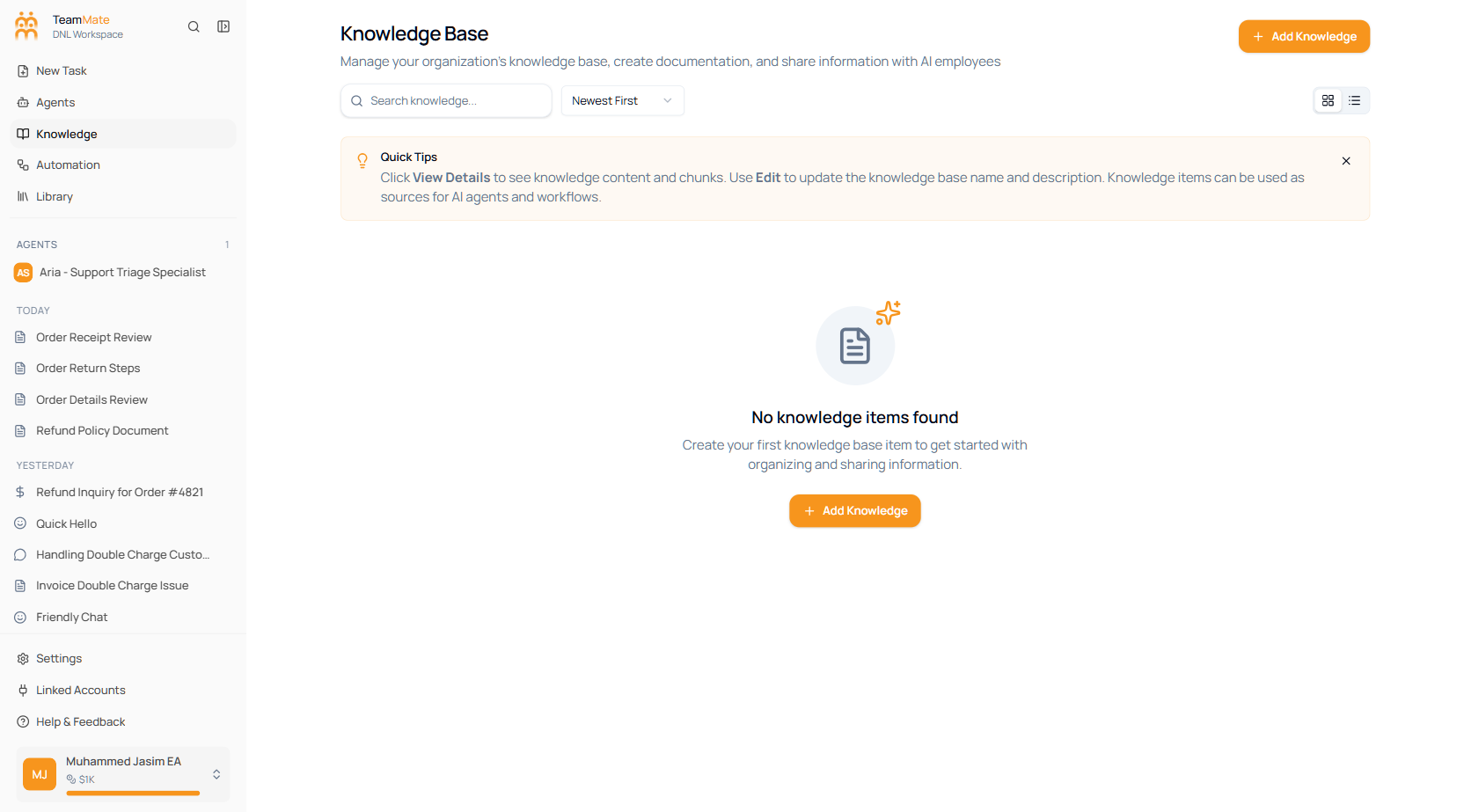
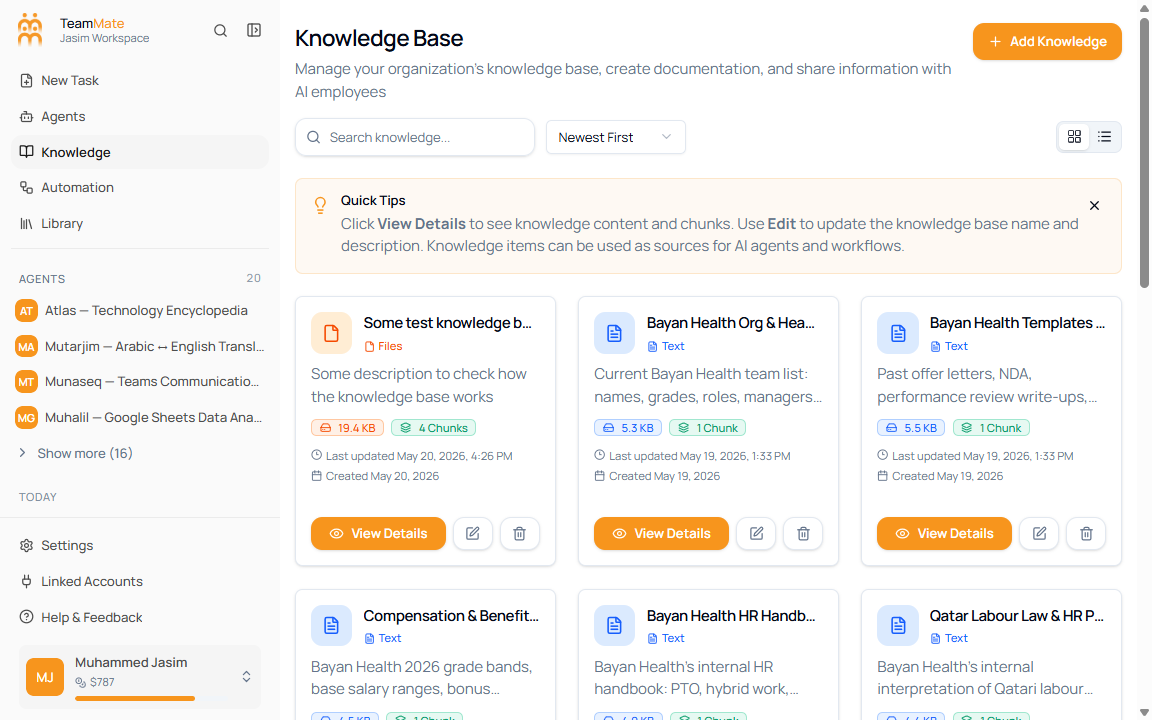
Knowledge bases store the text, files, and website pages your AI employees can reference. The current app screen is Knowledge Base under an app workspace. It includes search, sorting, grid/list views, create/edit/delete actions, detail pages, content search, and embedding inspection.
What you can do here
- Create knowledge bases from pasted text, uploaded files, or website URLs.
- Search, sort, and switch between grid and list views.
- Open a knowledge base to inspect content items, word totals, chunks, created date, and last updated date.
- Open a content drawer to copy, download, delete, and inspect vector chunks.
- Attach knowledge bases to agents from the agent builder Knowledge tab.
Knowledge Base pages
| Page | What it covers |
|---|---|
| Overview | Current layout, card fields, list view, quick tips, and record counts. |
| Create a knowledge base | The Add Knowledge dialog and the three source types. |
| Upload files | PDF, DOCX, DOC, and TXT upload behavior. |
| Web sources | Website URL fetch, discovered links, and manual link entry. |
| Organize & edit | Edit metadata, delete knowledge bases, and maintain source records. |
| Content details & embeddings | Detail stats, row-click content sheet, copy/download/delete, and vector chunk inspection. |
| Use a knowledge base in an agent | Attaching sources in the agent builder. |
| Search & retrieval behavior | How list search, content search, chunks, and agent retrieval fit together. |
Current limits to know
The current Knowledge Base page does not expose a separate permissions screen. Access is controlled by workspace admin access to this app area and by the agent builder’s per-agent Read or Read & Write attachment setting.