Conversations & history
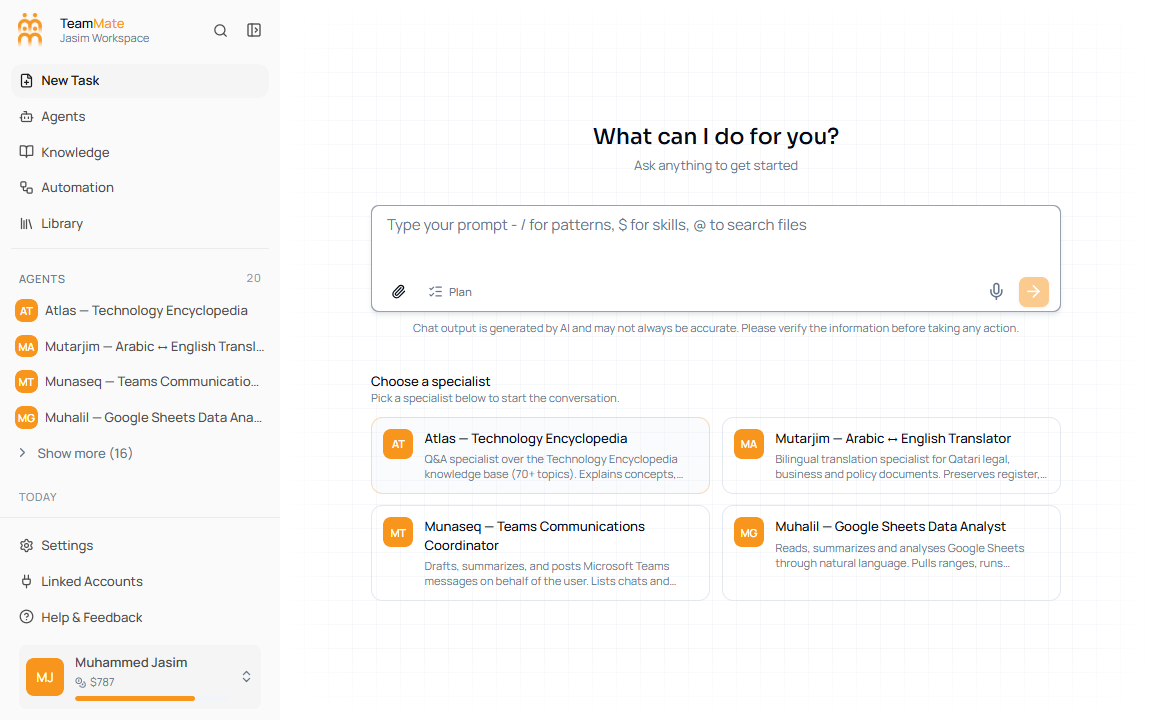
Conversation history now lives in the left app sidebar under the agents list. It is not a separate in-chat panel. The sidebar groups chats by date and keeps the active chat highlighted.
What you can do here
- Reopen a chat from a date group.
- See streaming chats with a spinner row icon.
- Delete a chat from its sidebar row.
- Scroll history to load more chats.
- Use New Task to start a fresh chat from the same shell.
History groups
| Group | Meaning |
|---|---|
| Today | Chats created or updated today. |
| Yesterday | Chats from the previous day. |
| Last 7 days | Recent chats outside today and yesterday. |
| Last 30 days | Older recent chats. |
| Older | Chats outside the first month. |