Knowledge tab
The Knowledge tab attaches knowledge bases to an agent. A knowledge base is a source of documents or data the agent can reference during conversations.
What you can do here
- See selected knowledge bases.
- Add one or more knowledge bases.
- Search available knowledge bases.
- Toggle each attached knowledge base between Read and Read & Write access.
- Remove a knowledge base from the agent.
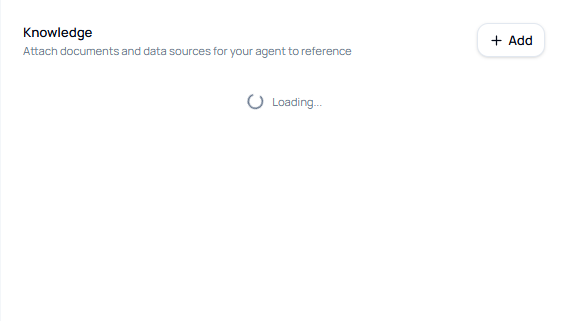
Attach knowledge bases
- Open Knowledge.
- Click Add.
- Search by knowledge base title or description.
- Select one or more knowledge bases.
- Click Confirm Selection.
- Click Save in the builder header.
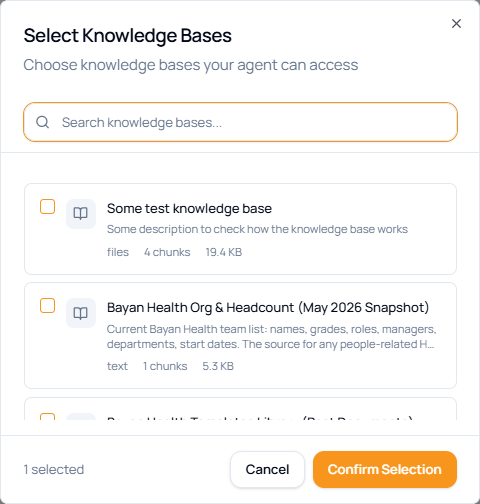
Selected knowledge fields
| Field or control | What it means |
|---|---|
| Knowledge title | The selected knowledge base name. |
| Type | Source type, such as file, website, database, or generic knowledge. |
| Chunks | Number of indexed content chunks available to retrieve. |
| Read | The agent can use the knowledge base as a reference source. |
| Read & Write | The agent can reference and update the knowledge base when its tools allow it. |
| Delete icon | Removes the knowledge base from the agent draft. |
Access guidance
Use Read for most agents. Use Read & Write only when the agent is supposed to maintain or update the knowledge base, because it expands what the agent can change.